Medication Interaction Checker
Add Substances
Enter medications, supplements, or foods to check for potential interactions.
Interaction Results
Understanding Severity Levels
Avoid combination
Medical attention needed
Monitor closely
Usually safe
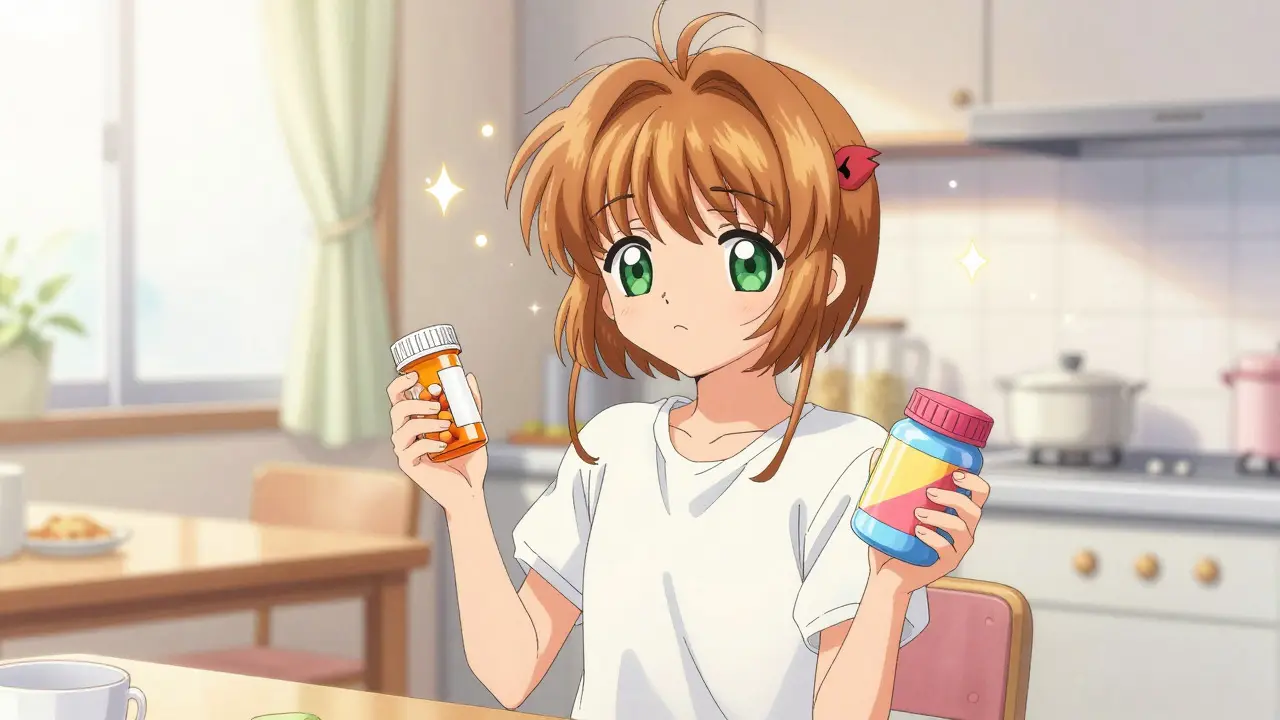
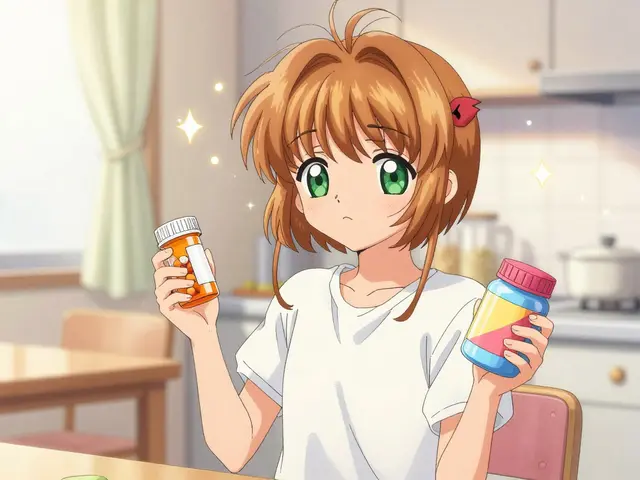
You have a pill bottle in one hand and a supplement jar in the other. You know you need to take both, but something feels off. Is that headache from the new antibiotic, or is it because you took it with your daily vitamin? This uncertainty is dangerous. According to the Agency for Healthcare Research and Quality (AHRQ), preventable adverse drug events cost the US healthcare system $2.2 billion annually. The good news? You don't need a medical degree to catch these risks before they happen. Drug interaction checkers are digital tools designed to identify potential adverse reactions between medications, supplements, and foods when taken together. These systems analyze pharmacological data to flag combinations that could cause treatment failure or severe side effects.
Whether you are managing your own prescriptions or helping an aging parent, understanding how to use these tools is a critical skill. This guide breaks down exactly how to navigate these platforms, which ones are worth your time, and-most importantly-how to interpret the results without panicking.
Understanding the Basics of Drug Interactions
Before tapping into an app, it helps to understand what you are looking for. A drug interaction isn't just two pills fighting each other. It happens when one substance changes the way another works in your body. This can lead to three main outcomes:
- Reduced Effectiveness: One drug blocks the absorption of another. For example, taking antacids with certain antibiotics can stop the antibiotic from working entirely.
- Increased Toxicity: Two drugs compete for the same metabolic pathway, causing levels of one to spike to dangerous heights. This is common with blood thinners like warfarin.
- New Side Effects: The combination creates a chemical reaction that neither drug causes alone, such as dizziness, bleeding, or heart rhythm issues.
The National Ambulatory Medical Care Survey found that nearly half of all Americans use at least one prescription medication. When you add over-the-counter pain relievers and herbal supplements to that mix, the risk skyrockets. That is why checking for interactions is not optional; it is essential hygiene for your health.
Choosing the Right Tool for Your Needs
Not all checkers are created equal. Some are built for consumers who want quick answers on their phones. Others are complex clinical decision support systems used by hospitals. Choosing the wrong one can lead to confusion or missed alerts.
| Platform | Best For | Key Feature | Limitations |
|---|---|---|---|
| Medisafe | Consumers & Patients | Simple mobile interface; tracks adherence | Limited depth on complex clinical cases |
| Lexi-Interact | Clinicians & Pharmacists | Highest accuracy score (250/400 in NIH study) | Expensive; requires subscription/training |
| Plumb's DDI Checker | Quick Web Lookups | Color-coded severity results | Poor recognition of generic names |
| University of Liverpool COVID-19 DDI Checker | Specific Viral Treatments | Specialized visual coding for antivirals | Narrow scope; not for general meds |
If you are a regular user managing a few prescriptions, Medisafe is likely your best bet. It’s free, easy to use, and has alerted users to nearly 100,000 interactions since its launch. If you are a healthcare professional or dealing with complex polypharmacy (taking five or more drugs), you might need the robustness of Micromedex or Lexi-Interact, though these often come with institutional costs ranging from $1,200 to $2,500 annually.
Step-by-Step Guide: Using a Consumer App (Medisafe Example)
Let’s walk through using one of the most popular consumer tools, Medisafe. The process is designed to be intuitive, but precision matters.
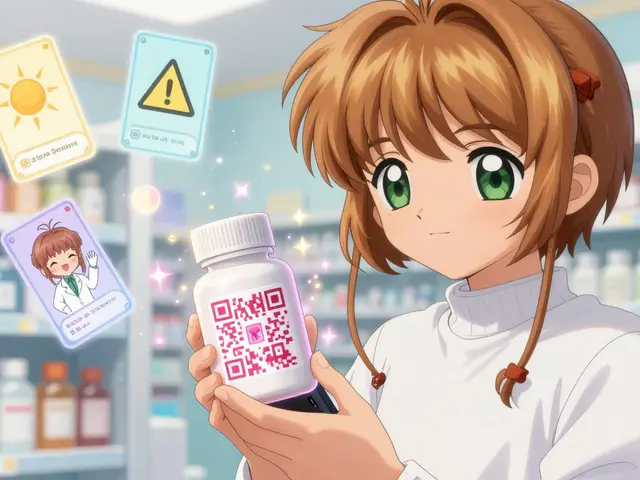
- Open the 'More' Menu: Launch the app and tap the 'More' option, usually located in the bottom navigation bar.
- Select 'Interactions Checker': Tap this specific tool. Do not just rely on the general reminder screen; the checker does a deeper analysis.
- Add Your Medications: Type the name of your first drug. You can type manually or select from your existing 'Med Cabinet.' Be specific-if you take ibuprofen 200mg, enter that. If you take aspirin 81mg, enter that. Dosage matters.
- Repeat for All Substances: Add every prescription, over-the-counter drug, and major supplement. Don’t forget alcohol if you plan to drink, as it interacts with many medications.
- Review the Comparison: The app will generate a list of pairs. Look for red flags or warning icons.
- Tap for Details: Never ignore a warning. Tap the icon to read why there is an interaction. Is it serious? Mild? Does it require spacing out doses?
- Save or Share: Once reviewed, tap 'Done.' Consider sharing this report with your pharmacist.
This workflow takes less than five minutes. However, the value lies in step six: reading the details. A "minor" interaction might mean nothing to you, while a "major" one could mean calling your doctor immediately.

Interpreting Results: What the Colors Mean
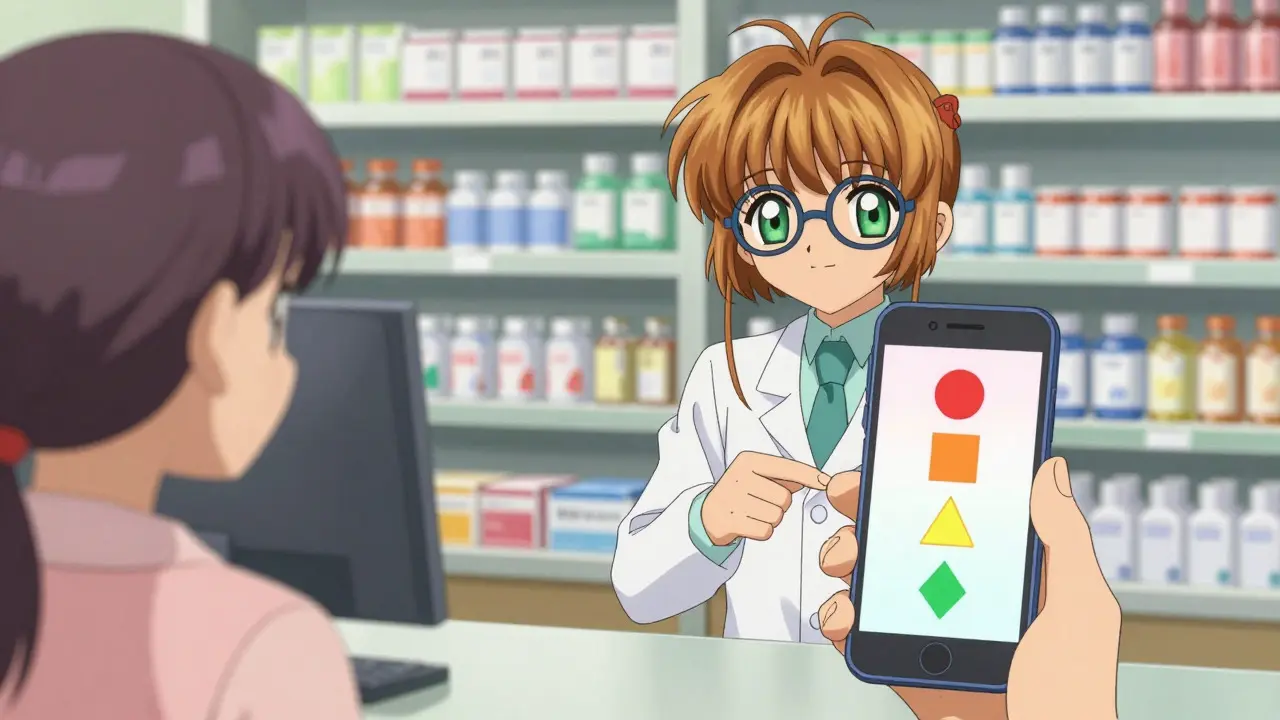
Different tools use different visual languages. Understanding these codes prevents unnecessary panic or false confidence. Here is a breakdown based on industry standards, particularly those used by specialized checkers like the University of Liverpool’s platform:
- Red Circles/Icons: Contraindicated. These medications should generally not be taken together. The risk outweighs the benefit. Action required: Call your prescriber.
- Orange Squares: Moderate/Significant. There is a potential problem that requires monitoring or a dose adjustment. Action required: Discuss with your pharmacist.
- Yellow Triangles: Mild/Minor. An interaction exists but is unlikely to cause harm in most people. Action required: Note it, but no immediate change needed unless symptoms appear.
- Green Diamonds/Checks: No Known Interaction. Based on current data, these substances are safe to combine.
A critical nuance here is "clinical context." A tool might flag a red interaction between two drugs that your doctor knows are safe for your specific kidney function. This is where human judgment overrides the algorithm.
Common Pitfalls and How to Avoid Them
Even the best technology fails if the input is wrong. Here are the most common errors users make:
1. Ignoring Generic Names
Many web-based checkers struggle with brand vs. generic names. If you search for "Advil" and the database only lists "ibuprofen," you might miss an interaction. Always check the active ingredient on your label and enter that. Plumb’s DDI Checker, for instance, has received user complaints about dropdown menus failing to recognize generics properly, forcing multiple searches.
2. Omitting Supplements and Herbs
We often think of "drugs" as only pharmacy prescriptions. But St. John’s Wort, grapefruit juice, and even high-dose Vitamin K can drastically alter how medications work. DrugBank’s API, for example, now includes expanded supplement interaction data specifically to address this gap. Always include non-prescription items in your check.
3. Alert Fatigue
In hospital settings, clinicians ignore nearly 50% of drug interaction alerts because so many are irrelevant. As a consumer, you might feel overwhelmed by a long list of yellow warnings. Don’t let this numb you to the red ones. Focus on the severity classification. If everything is yellow, you are likely fine. If there is a red, stop and investigate.
4. Assuming Real-Time Accuracy
Databases update regularly, but not instantly. New studies emerge weekly. The FDA issued a safety communication in 2021 regarding DDI alert failures, prompting vendors to add verification layers. Still, no tool is perfect. Dr. David Bates from Brigham and Women’s Hospital notes that even the best systems have sensitivity rates of only 60-85%. They miss some dangers. Always cross-reference with a pharmacist for high-risk meds.
When to Call a Professional
A drug interaction checker is a screening tool, not a diagnostician. You should contact your healthcare provider if:
- The checker flags a "Major" or "Contraindicated" interaction between two prescribed medications.
- You experience new symptoms after starting a combination, even if the checker said it was safe.
- You are pregnant, breastfeeding, or caring for a child, as interaction data for these groups is often limited in public databases.
- You are taking anticoagulants (blood thinners) like warfarin or apixaban, as small changes can have life-threatening consequences.
Pharmacists are the ultimate experts in this field. In a 2023 survey, 74% of pharmacists reported using multiple DDI checkers daily alongside manual verification. Use them as your final checkpoint.
The Future of Interaction Checking
Technology is evolving rapidly. We are moving toward AI-enhanced prediction models. For instance, Lexicomp launched machine learning features in mid-2023 that reduced false positives by 22%. Future systems will likely integrate pharmacogenomic data-using your DNA to predict how your body metabolizes drugs. Mayo Clinic piloted such a system in 2022, showing a 31% improvement in accuracy.
For now, however, the tools available today are powerful enough to save lives if used correctly. The key is consistency. Make checking interactions part of your routine every time you pick up a new prescription or supplement.
Are free drug interaction checkers accurate?
Free consumer apps like Medisafe are highly effective for identifying common and major interactions. However, they may lack the depth of professional systems like Lexi-Interact or Micromedex, which are tested against thousands of clinical pairs. For routine care, free tools are sufficient, but complex cases require professional verification.
Do I need to check interactions for vitamins and herbs?
Yes. Natural does not mean inert. Supplements like St. John’s Wort, garlic, and ginkgo biloba can significantly alter how prescription drugs are metabolized. Always include these in your checker to avoid reduced efficacy or toxicity.
What does a "moderate" interaction mean?
A moderate interaction means there is a known risk that requires attention. It doesn't necessarily mean you must stop taking the drugs, but you may need to adjust the timing (e.g., take them 2 hours apart) or monitor for specific side effects. Consult your pharmacist for guidance.
Can drug interaction checkers replace my pharmacist?
No. While checkers are excellent screening tools, they lack clinical context. They cannot account for your liver function, kidney disease, or genetic factors. Pharmacists provide expert interpretation and personalized advice that algorithms currently cannot match.
How often should I check for drug interactions?
You should check every time you start a new medication, supplement, or even food product that claims health benefits. Additionally, re-check annually as your health status and dosage requirements may change over time.




Megan Crossland July 20, 2026
it is frankly shameful how many people just throw pills into their mouths without a second thought. you are playing russian roulette with your own biology and pretending it is fine because the pharmacist didn't yell at you. we have these tools right here in our pockets and yet everyone acts like checking for interactions is some kind of optional chore rather than basic self preservation. stop being lazy about your health.
Jairam Prasad July 22, 2026
ah yes, the western obsession with quantifying every biological process through a screen. one must wonder if the ancient yogis who balanced their humors had an app for that or if they simply trusted their intuition. perhaps the real interaction is between the user's anxiety and the algorithm's cold logic. very interesting perspective on modern medicine though i suppose.
Gary Hull July 23, 2026
i dont think apps are that great actually. my mom uses one and it said her vitamins were bad but she has been taking them for years and feels fine so maybe the app is just trying to scare you. also why do we need to check everything? doctors used to just write scripts and send us on our way. now its all panic and alerts. makes me tired just reading this.
Padraic Cepek July 24, 2026
this is another example of how foreign tech companies are trying to control our healthcare data. why trust some app from god knows where when you can just talk to your local doctor? we should be supporting american made medical advice not these digital gimmicks. keep your data in america folks.
Mildred Fierce July 24, 2026
the sheer incompetence displayed by the average consumer when it comes to pharmacology is staggering. you expect a simple mobile interface to replace decades of clinical training? laughable. yet here we are watching people die because they couldn't be bothered to read a label properly. it is a tragedy of epic proportions really. one wonders if the human race deserves to survive its own stupidity.
Trey Newkerk July 26, 2026
you fools! you cling to these digital crutches while ignoring the profound existential dread of chemical dependency. the app tells you red means stop but does it tell you WHY you are stopping? no. it leaves you in a void of meaningless compliance. i feel nothing but sorrow for this generation that outsources their survival to code. wake up!
Charles PINSON July 26, 2026
one might observe that the reliance on such rudimentary tools speaks volumes about the decline of intellectual rigor in the general populace. the elites understand that true knowledge requires access to proprietary databases and nuanced interpretation which the common man lacks. let them play with their color coded icons while the informed navigate the complexities of polypharmacy with grace and precision. it is quite amusing really.
John Anderson July 27, 2026
you should listen to your body more. if it hurts then stop. no need for fancy apps. just take what works and ignore the rest. simple is best.
Patrick Plummer July 27, 2026
oh, brilliant! another article telling us to rely on technology to fix problems created by technology. isn't that just wonderful?? i suppose we should all just sit back and let the machines decide if we live or die. how comforting!!
Kieran Healy July 29, 2026
i found this really helpful :) i always forget to add my supplements so thanks for the reminder. it is good to know there are free options too. hope everyone stays safe out there! :)
Kevin Burke July 30, 2026
the illusion of safety provided by these checkers is dangerous. you think you are protected because you see a green checkmark but the universe operates on chaos theory not binary logic. you must embrace the uncertainty of your own mortality rather than hiding behind a database update. only then will you find true peace in your medication regimen.
neal vince July 31, 2026
according to the latest studies cited in the text the sensitivity rates are only 60-85% which means these tools fail significantly often. therefore relying on them exclusively is statistically unsound. one would do well to consult primary literature rather than consumer grade summaries which are often outdated or incomplete. the data does not lie even if the users wish it did.